
University of North Carolina Wilmington
Breaking news! Click for details if visible.

Student Accounts

& Cashier Services

Quicklinks

Finance Home

E-Newsletter

E-Bill

Tuition Payment Plan

Important Messages!!

Spring 2010 bills will be available to students and authorized users on November 16, 2009 and are due December 14 to avoid pre-registered class cancellation.

Student Payments


Enrollment Deposit Payments

All enrollment deposits must be paid using one of the following methods:

Enrollment deposits cannot be paid on SeaNet/E-bill.

Review all steps in the admissions process by visiting the Teal Ticket.


Student Tuition and Fee Payments

Payments are processed through e-Bill. Students are encouraged to set up their profile. The profile is necessary for receiving many of the benefits of e-bill such as e-mail notification when payments are due, setting up authorized users and payment scheduling.


Return Check Policy

In the event that your check or electronic check payment is returned unpaid for insufficient funds or an invalid account number, a $25.00 return fee will be charged to your student account per incident. Checks will not be accepted as a form of payment after three returned check fee charges; payment must then be made by cash, credit card or guaranteed funds (cashier’s check, money order, or traveler’s check).


E-Bill General Information

All students with an outstanding balance will receive an e-mail notification to their e-mail account stating that their UNCW e-bill is available online to view and print. Currently enrolled students that have a balance due will receive an email notice from e-bill@uncw.edu that the e-bill is available for viewing. When you receive the notice, you can access your bill via the link included in the e-mail or via SeaNet. You are responsible for checking your e-mail for your electronic bill notification and for making your payment on time.

You can pay online on e-bill, forward the statement to your parents or a third party, or print a copy of the statement and mail the payment. An e-bill reflects the charges and credits applied to your account as of the date the bill was created. To view the most current student account information (subsequent charges and payments) click current activity.


E-Bill Brochure

Payment FAQ's (Frequently Asked Questions)

E-Bill  (set up your profile)


Maintained by S. Hendricks ( ) | About this Site | Copyright Notice |
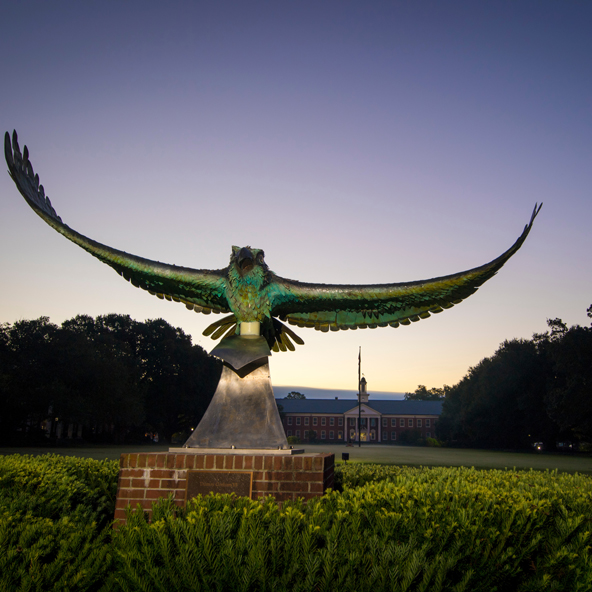
Seahawk Statue
UNCW/Jamie Moncrief